

:

    • All Advice and support

      Start your business

      • All Start your business
      • Legislation
      • Measure your progress
      • Pricing strategies
      • Set up a business

      Improve your business

      • All Improve your business
      • Create an inclusive business
      • Deliver a quality experience
      • Partner support opportunities
      • Understand your customers

      Grow your business

      • All Grow your business
      • Funding opportunities
      • Online booking systems
      • Reach new markets
      • Sell with travel partners

      Promote your business

      • All Promote your business
      • Create good content
      • Manage your social media
      • Manage your website
      • Marketing opportunities

      Sustainability

      • All Sustainability
      • Create a climate action plan
      • Improve your sustainability
      • Measure your climate impact
      • Net zero and sustainability
      • Promote responsible tourism

      Support by sector

      • All Support by sector
      • Accommodation
      • Active and outdoor
      • Events and festivals
      • Food and drink
      • Visitor attractions
  • Training and events
  • Contact us
  1. Home
  2. Advice and support
  3. Improve your business
  4. Create an inclusive business
  5. Inclusive business improvements
  6. Accessibility information and communications

Accessibility information and communications

7 minute read• Last updated: 7 July 2026

Giving all your customers clear and accurate information about your business allows them to book with confidence.

Customers with accessibility requirements want to feel welcome. For many, being able to know in advance what they can expect in terms of the accessibility of a venue or experience is so fundamental that they will often choose to look elsewhere if they cannot find the information on your website.

Find some of the key steps you can take to make sure the information and communications you offer are accessible to all.

In this article:

  • What information to have on your website
  • Accessible website best practice
  • Inclusive communication

What information to have on your website

Customers with accessibility requirements need to know that the accommodation or experience you offer is suitable for them. Having the right information available and easily located on your website can be critical for some customers.

  • Create a welcome paragraph

    Share your commitment to being accessible and inclusive to everyone. Include the following:

    • a welcome message from the owner or the manager
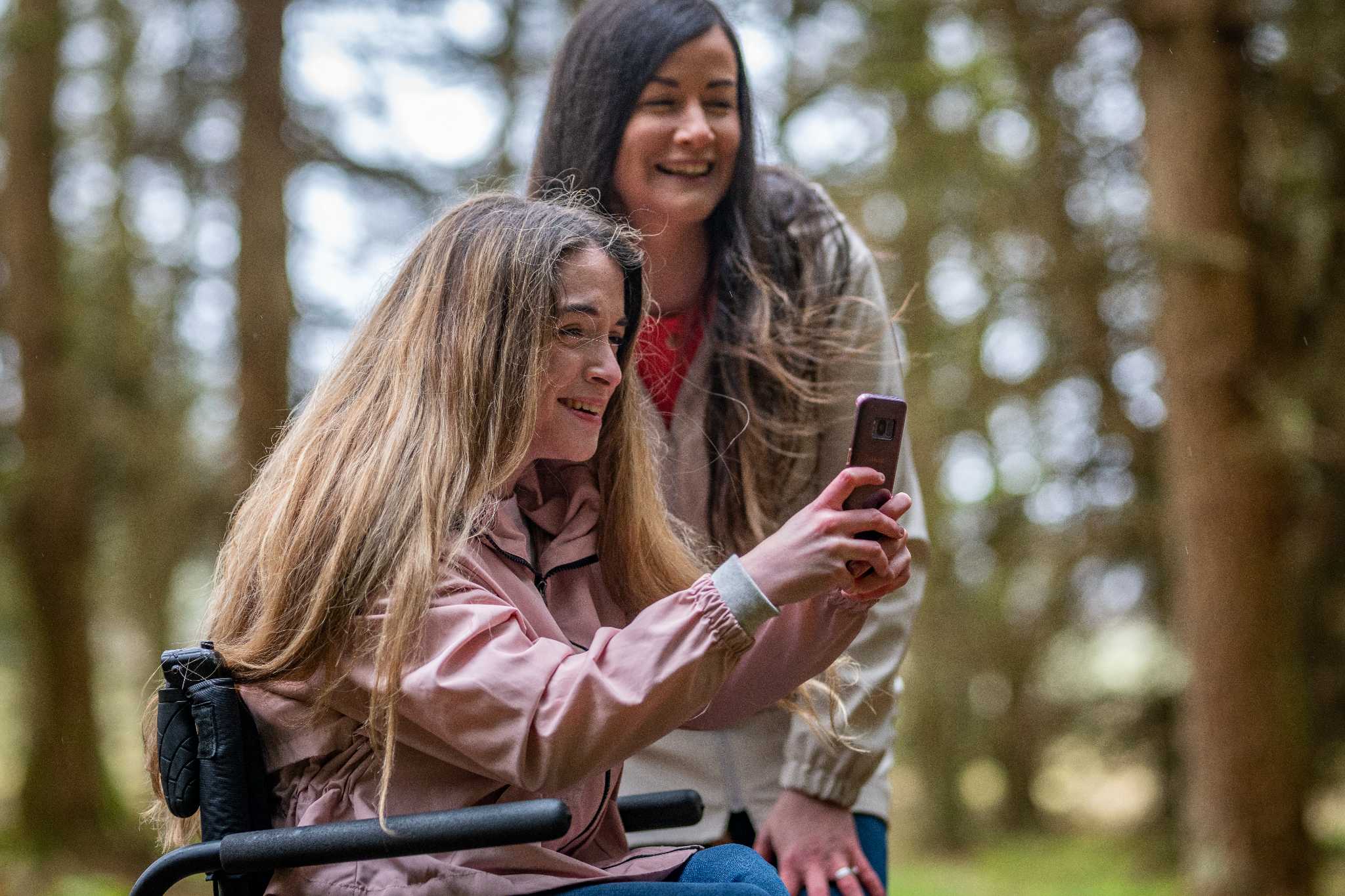
    • an image of your team and visitors enjoying your venue
    • an invitation for people to contact you with any queries
    • offer different ways to contact you eg telephone, email and Relay
  • Highlight the accessibility features in your business

    Identify your accessible services and facilities and highlight these in a ‘Plan your visit’ page on your website.

    This might include:

    • accessible parking provision
    • availability of ramps and lifts
    • sensory information
    • dedicated quiet spaces and/or times
    • onsite audio technology such as hearing loops
    • accessible toilet, bathroom and changing facilities
    • specialist equipment, such as hoists
    • accessible tourism or event awards
  • Use videos and photographs

    Providing videos, 360-degree virtual tours and good quality photographs which accurately represent the facilities you have is really helpful. Show entrances, corridors, bathrooms, bedrooms etc, so that customers can see whether navigating your venue is likely to be pose any challenges.

  • Provide a detailed access guide

    Some of your customers may require more detailed information about your ‘accessible’ features to support visit planning, ie more comprehensive levels of information which has been verified by an independent third-party expert. To provide this service, VisitScotland have partnered with AccessAble who have many years’ experience of providing information for this audience. 

    Find out more about AccessAble’s Access Guide.

Tips on listing your accessibility features

  • Dont feel constrained

    Add any additional features and services you provide for disabled customers and others with accessibility requirements.

  • Be honest

    If you have any doubt about a feature, do not list it on your website. 

  • Cover all areas

    Ensure that you mention accessibility features for any specific areas of your business eg restaurant or retail area.

  • Review regularly

    You should aim to update the information as soon as you make a change, as well as reviewing your features at least annually to ensure accuracy.

  • Communicate changes

    If you update any information, make sure to do it across all your listings and don’t forget your social media channels so that regular customers are informed. This is especially important for temporary issues with access, eg lift out of order.

Accessible transport and travel information

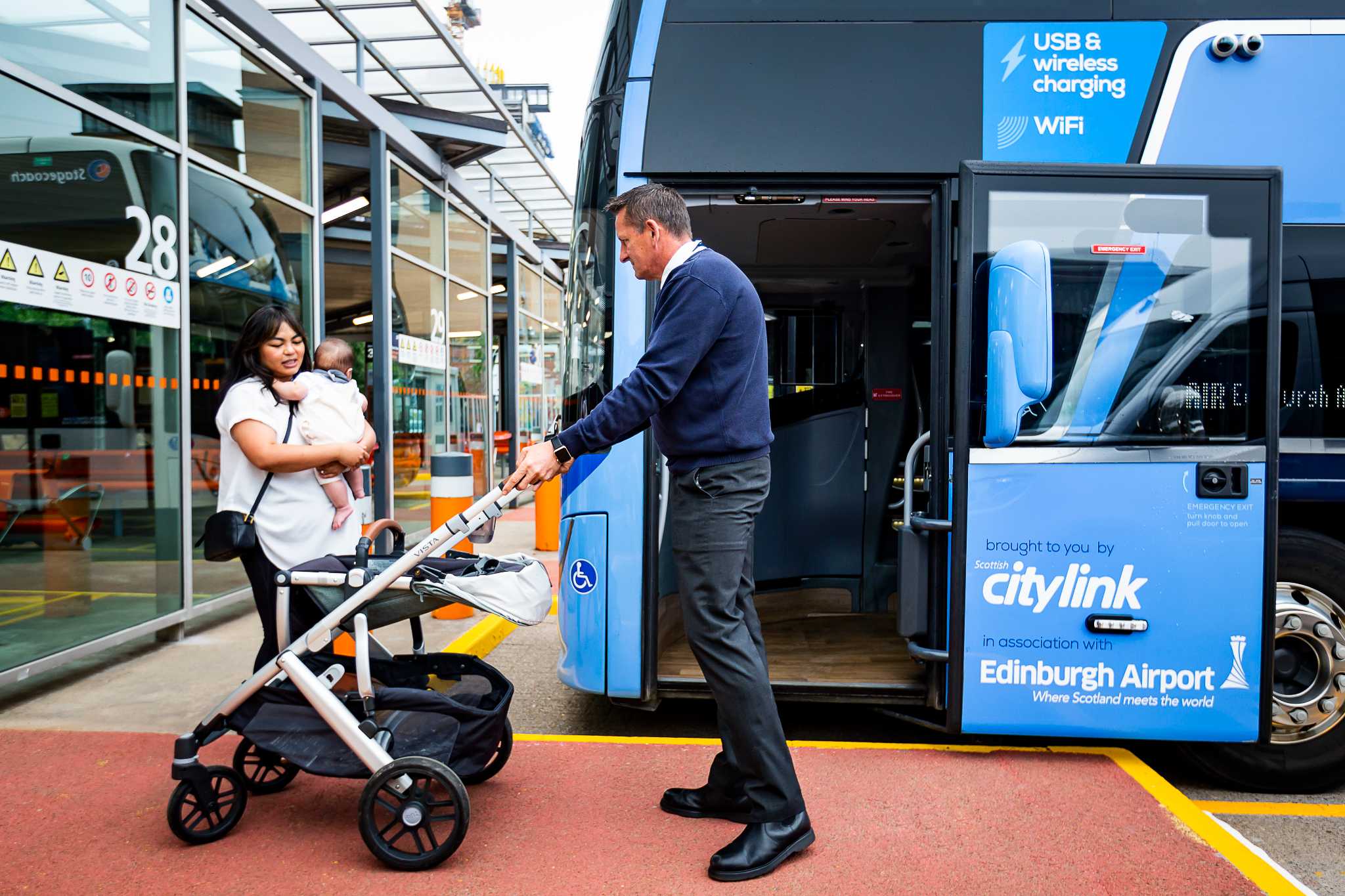
A bus driver assists a lady with a small child getting on a bus, by taking her buggy.

Citylink Glasgow

© Citylink

Provide information about accessible transport to help customers plan getting to you and getting around while they visit. You can link to the following websites.

  • Accessible Travel Hub, hosted by Disability Equality Scotland.  This site provides useful information on accessible travel in Scotland.
  • Scotrail’s accessible travel page contains information on their passenger assist service to support disabled customers and anyone who needs extra help.
  • National Rail’s accessible train travel and facilities page helps people with specific access requirements find additional information about accessibility at specific stations and includes an interactive accessibility map.
  • National Express provides bus travel accessibility information where your destination is served by these services.
  • CalMac Ferries passenger assistance page provides people with access requirements information on the assistance available before, during and after sailing whether you are travel by foot or car.

You can also link to your nearest airport’s accessibility page:

  • Aberdeen Airport
  • Edinburgh Airport
  • Glasgow Airport
  • Prestwick Airport
  • Inverness Airport
  • Highlands and Islands Airports Limited offers accessibility information for 11 regional airports located at Barra, Benbecula, Campbeltown, Dundee, Inverness, Islay, Kirkwall, Stornoway, Sumburgh, Tiree, and Wick John O’Groats.

Accessible website best practice

Improving the user experience benefits all customers and could see your website rank better with search engine optimisation (SEO). Take the following steps to help ensure your website is easy to use and read.

  • Follow WCAG guidelines

    The Worldwide Web Consortium’s (W3C) Web Content Accessibility Guidelines (WCAG) 2.2 are the standards by which a website is judged to be accessible to people with disabilities.

    The W3C website provides extensive information on all aspects of a website including the accessibility of the content, the way the it operates, and how easy it is to understand.

  • Provide alternative text for images

    Alt text is used by screen readers to explain the content of an image to visually impaired users.

    Take a look at RNIB's guidance on how to write alt text.

  • Use descriptive headings and set heading styles

    This helps both SEO and screen readers to understand the importance of text on the page and navigate around.

    Find out more on how to improve your website user experience.

  • Use keyboard accessible content

    Make sure forms, buttons, and other interactive elements can be navigated without the use of a mouse. Most website platforms should offer this automatically.

    Find guidance on how to test your website’s keyboard accessibility on the GOV.UK website.

  • Choose accessible text contrasts

    Choose a website text colour to meet colour contrast guidelines for users with low vision.

  • Provide transcripts

    Include transcripts for multimedia content like videos and audio where possible. Videos should be subtitled as standard.

  • Make documents accessible

    Ensure any additional documents such as PDFs and Word documents are accessible and compatible with screen reader software.

    Browse Business Disability Fourm's guidance on creating accessible PDFs.

    Browse Business Disability Forum's guidance on making Word documents accessible.

Further best practice guidance

For more information on improving your website accessibility and some of the tools that you can use, check out:

  • Business Gateway’s guidance on web design best practice
  • Business Gateway's 'Why website accessibility matters to your business' podcast
  • Business Disability Forum's 'How to make your website more accessible' guidance

Legal compliance

A family enjoy a day out to Craik Forest which is suitable for all levels of accessibility.

Craik Forest

© VisitScotland / Luigi Di Pasquale

Making sure that your website does not discriminate against disabled customers and is legally compliant is vital.

The European Accessibility Act (EAA)

Since June 2025 the European Accessibility Act (EAA) applies to any UK business with at least 10 staff and a turnover above €2 million, that sells to customers in the EU. It aims to ensure people with disabilities have equal access to products and services, including those sold online.

Although there are some exceptions (eg micro enterprises), it could potentially apply to a tourism business selling accommodation on their website, or the online sale of tickets for a visitor attraction or tour.

Find information on complying with the EAA on the Business Disability Forum, or take a look at AbilityNet's free five-step EAA-Readiness Guide.

Discover more about website accessibility compliance, including EAA compliance, from Level Access.

Inclusive communication

A man works on a laptop

The Clydeside Distillery

© VisitScotland / Matt Davis

Some customers may find certain forms of communication difficult. You should offer a choice of ways to communicate with your business and ask for a customer’s preference where possible.

Written communication

Keep any written communications short and simple and use subheadings. You can find guidance on writing from the UK Government, who have a wide range of advice on planning, writing and managing online content for other organisations.

Follow guidelines on accessibility in design such as:

  • Use a minimum font size of 12 point and make information available in large print – minimum 16 point, but ideally 18 point where possible.
  • Use a plain sans serif font such as Arial. A font without decorative features is easier to read.
  • Use black text on a white background where possible for high contrast.

Best practice should be followed in all written communication, whether its on your website or in printed materials such as an accommodation welcome pack or emergency evacuation plans attached to the wall.

You can find more guidance on writing, including a wide range of advice on planning, writing and managing online content on the W3C website.

In-person

For guidance on taking an inclusive approach to in-person communications check out our Customer service page.

Follow our four-step process to improve your accessibility

Want to make your business more inclusive to all customers, but not sure where to start? Check out our simple four-step process and start your journey today.

Inclusive business improvements

Related pages

How to market your accessibility features

Find guidance on aspects to consider when marketing your business's accessibility features, including how to get a Detailed Access Guide.
How-to
6 minute read

Inclusive and accessible events

Find out more about the importance of social inclusion and how you can make your event more accessible and enjoyable for all.
Article
5 minute read

Understanding inclusivity

Discover why inclusivity matters to a tourism or event business and the benefits of improving your offer for the accessible tourism market.
Article
6 minute read

Understand accessible customers

Learn about some of the different accessibility requirements some tourism and event customers have and some of the challenges they encounter.
Guide
15 minute read

Sign up for the latest advice

Sign up for the Business Support monthly newsletter to get the latest advice and tips straight to your inbox. We’ll keep you informed with up-to-date insights, case studies and best practice guides to help you start, improve or grow your business.
Get the Business Support newsletter

About us

  • Policies
  • Accessibility
  • Cookies
  • Website feedback
  • Glossary of terms

Our other sites

  • Business Events
  • Corporate
  • Asset Library
  • Travel Trade
  • Brand Scotland
  • VisitScotland.com

Find us on

Find us on

Brand Scotland

© 2026 VisitScotland. All rights reserved.